
How To: Upload Your Company Logo
On the admin portal, your company logo will appear on your dashboard near your account balance.
Your employees' will see the logo on their dashboard, under "Your company program." The logo will also be presented every time that you send a credit or a match. This results in a positive corporate experience each time they are in the app.
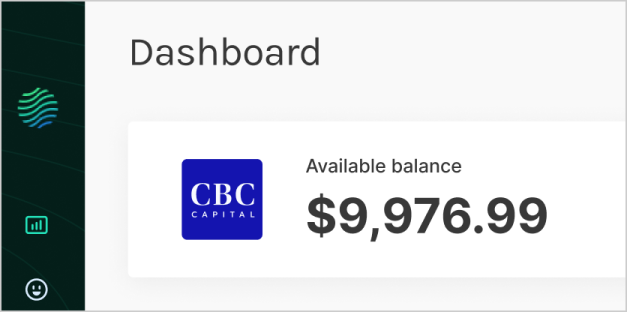
Logo on the corporate dashboard


Logo on the employee mobile app
How to upload your company logo
1. Navigate to Settings > Company
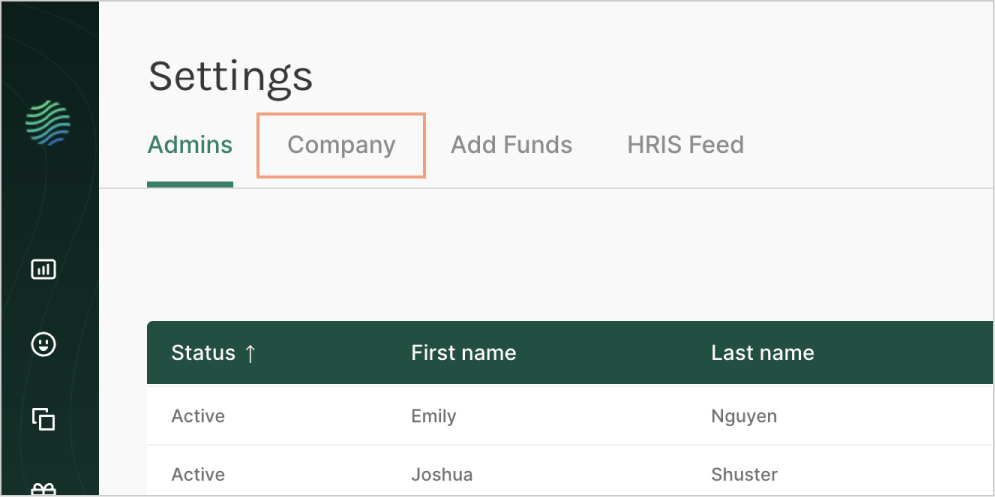
2. Select "Add Logo"

3. Upload your logo with the following dimensions
- Square image required (148 x 148px recommended)
- Only jpg or png file formats
- File must not be larger than 3MB